
DK999 OTP Not Received? 10 Checks That Often Fix It
If the DK999 OTP has not arrived, do not tap Resend five times in a row. That usually makes the situation harder because every new request may replace the previous code. Check the phone number, mobile signal and countdown first, then request one fresh code. The same problem can appear during DK999 registration, login, password recovery, a new-device check or withdrawal confirmation. The correct fix depends on where the code was requested and whether the registered SIM is still available.
Security reminder: An OTP proves control of your phone number or account action. Never send it to someone claiming they can activate a bonus, unlock a withdrawal or fix the app.
Start With These Five Checks
Before changing app settings, confirm the basics:
- Read the phone number shown on the OTP screen.
- Check that the correct SIM has mobile signal.
- Wait until the resend countdown finishes.
- Look in blocked, spam and archived messages.
- Enter only the newest code if several SMS messages arrive.
An internet connection can submit the OTP request, but the verification SMS still depends on the mobile network. Strong Wi-Fi does not help if the SIM has no signal.
Why the DK999 Verification Code May Not Arrive
| Possible cause | What you may notice | First useful action |
| Incorrect phone number | The masked digits do not match your SIM | Return and correct the number |
| Weak mobile signal | Calls and other SMS messages are delayed | Move to better coverage or toggle airplane mode once |
| Too many resend attempts | Several codes arrive late or none is accepted | Stop requesting and wait for the cooldown |
| Blocked sender | Other automated messages are missing too | Check spam and blocked-message settings |
| Dual-SIM confusion | The registered SIM is inactive or in the other slot | Enable the correct SIM and confirm its signal |
| Expired request | The timer ended before the SMS arrived | Request one new code after the timer allows it |
| App or browser session issue | The OTP page reloads or loses the request | Reopen the verified page and start one clean attempt |
| Service delay | Details are correct but delivery remains slow | Wait for the stated period before escalating |
Avoid assuming the account is blocked. A missing SMS is often a delivery or request-session problem rather than an account suspension.
Confirm the Phone Number Format
Use the format requested on the current screen. A Pakistani number may be entered locally with 03 or through a country selector with +92, but you should not add both formats unless the field specifically requires that. For example, a field that already displays +92 may expect the number without the first zero. Entering +9203… can create an invalid number even though all the familiar digits appear on screen. Also check for:
- A missing or repeated digit
- Spaces copied with the number
- An old number inserted by browser autofill
- A family member’s number used accidentally
- The number from a different DK999 account
During registration, return and correct the number before completing the account. During login or password recovery, use the number originally connected to the existing account.
Check the Correct SIM on a Dual-SIM Phone
Many Android phones keep two SIMs active. It is easy to request the OTP for SIM 1 while looking at signal or message settings for SIM 2. Open the phone’s SIM settings and confirm that the registered number is enabled. If one SIM shows Emergency calls only, the message may not arrive until it reconnects to the network. Do not move the SIM repeatedly between phones while requests are pending. Let it register on one device, wait for normal signal and then request a single new code.
Toggle Airplane Mode Once
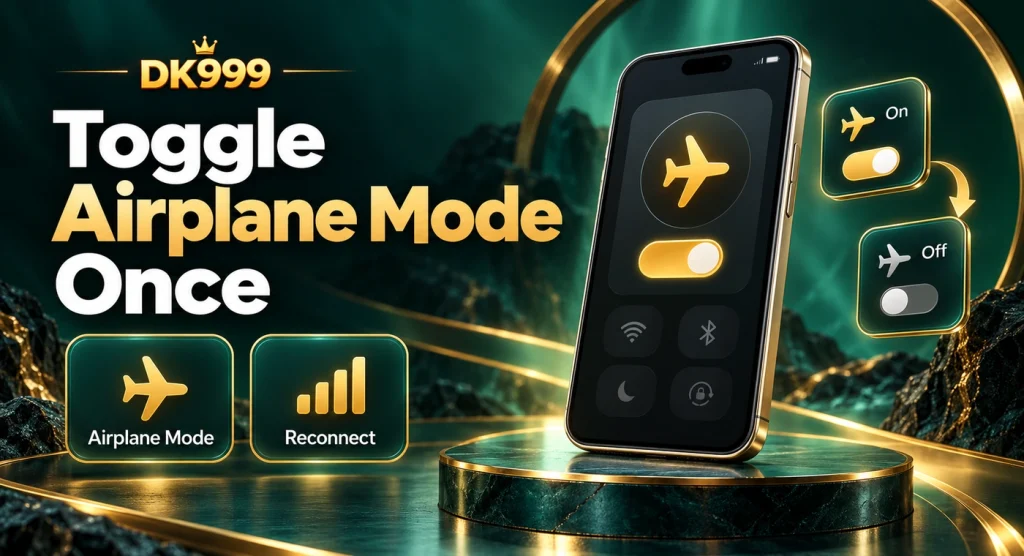
Turning airplane mode on for several seconds and then off forces the phone to reconnect to the mobile network. This can help when normal messages are also delayed. After the signal returns, wait a moment before requesting another OTP. Repeatedly toggling the setting during the countdown may interrupt the delivery rather than help it. If calls and SMS remain unavailable, restart the phone or contact the mobile network. DK999 cannot deliver an SMS to a SIM that is not connected.
Do Not Request Several Codes Together
This is the most common avoidable mistake. A user taps resend, waits ten seconds, taps again and then receives three messages out of order. The first message may appear newest in the inbox even though it contains an older code. Use this sequence instead:
- Let the current timer finish.
- Request one code.
- Note the request time.
- Wait without refreshing the page.
- Enter the SMS linked to that request.
If a second code is requested, treat the earlier code as potentially invalid. Do not test every code repeatedly because too many failed attempts can trigger a temporary cooldown.
Check Blocked and Spam Messages
Phone makers and SMS-filtering apps sometimes classify automated messages as spam. Open the messaging app menu and check Spam & blocked, Blocked numbers or a similarly named folder. Also review whether:
- An SMS-organizer app moved the message to Promotions
- A security app blocks unknown senders
- The messaging inbox is full on an older phone
- Notifications are off even though the SMS arrived
- The sender was blocked after an earlier promotional message
Avoid turning off every spam or security feature permanently. Make the smallest change needed for one test, then restore your preferred protection.
Keep the OTP Page Open
On a phone with limited memory, switching from DK999 to Messages can cause the app or browser tab to reload. When you return, the original verification session may be gone. Use the notification preview or system OTP autofill when available, but confirm that the code belongs to the request you just made. If the page has reloaded, start the verification once more rather than entering a code into an old form. Closing other heavy apps before requesting the OTP can help a low-memory phone keep the page active.
Set Date and Time Automatically
An incorrect device clock can interfere with time-sensitive login sessions and verification requests. Open the phone’s date and time settings and enable network-provided or automatic time. Restart the DK999 app or browser afterward. This will not make an SMS network faster, but it can prevent the page from treating a valid session as expired.
DK999 OTP Arrived but Says Invalid
An invalid-code message usually points to one of four things:
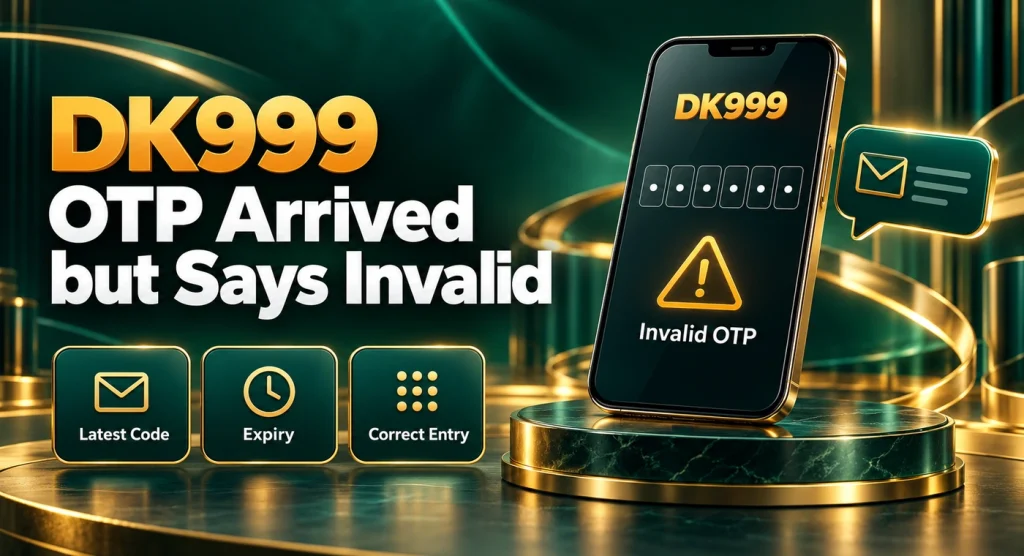
- An older OTP was entered after a newer request
- A digit was mistyped
- The code belongs to another action
- The verification session refreshed or expired
Delete nothing until access is restored. Compare the SMS time with the last request and type the newest code manually. Avoid copying spaces or punctuation around it. If every fresh code is rejected, close the current form, reopen the verified page and make one clean attempt. Persistent invalid-code errors should be reported with a screenshot of the error—not with the OTP itself.
DK999 OTP Expired Before It Arrived
Wait for the resend control to become available, then request one new code. Do not keep entering the expired value. If SMS delivery is consistently slower than the on-screen timer, test whether other automated messages are delayed. A mobile-network issue may need to be solved before another DK999 attempt succeeds. Where the screen offers another verified method, such as email, use it only if it is already connected to the same account. Do not choose a random Google account or create a new profile to avoid the OTP.
OTP Problem During Registration
If the code is for a new account, confirm the number before proceeding. A registration tied to the wrong number can cause later login and withdrawal problems. Do not submit several registration forms with the same or different numbers. If DK999 says the number already exists, try recovering the old account through login instead. The DK999 registration page explains duplicate-account checks. Referral codes and bonuses should wait until the phone-number issue is resolved. Creating another account solely to use a referral code can conflict with promotion rules.
OTP Problem During Login or Password Recovery
Use the phone number associated with the existing profile. If the masked digits on screen are unfamiliar, stop before entering anything. You may have selected the wrong login method or reached a different account. After a password reset, remove the old saved password from browser autofill. Receiving an OTP and changing the password will not help if the browser immediately inserts the previous credential again. If the registered SIM was lost, contact the mobile network about restoring the same number. Account support may offer another recovery process, but requirements can vary.
OTP Problem on a New Phone
A new device may trigger verification even when the password is correct. Keep the registered SIM active and use the original sign-in method. Do not create another DK999 account because the old session is no longer saved. Use the existing credentials and follow the new-device check. After access returns, review active devices or sessions if the account provides that option. For more detail, read DK999 login on a new phone.
What Not to Do
- Do not share the OTP with support, an agent or a friend
- Do not request codes continuously
- Do not send money to “activate” OTP delivery
- Do not install a modified APK as a fix
- Do not register a duplicate account
- Do not post an uncensored OTP screenshot publicly
- Do not let a stranger control the phone through screen sharing
An OTP problem should be solved through phone, session and verified-support checks. It never requires sharing a mobile-wallet PIN.
When to Contact Support
Contact the support channel displayed inside the verified DK999 platform when:
- The number is correct and active
- Normal SMS messages are arriving
- You waited for the current timer or cooldown
- A fresh request still produces no code
- Every newest code is rejected
- The masked number does not belong to you
- The account is locked after failed attempts
Provide the registered number with most digits masked, the type of action, device model, approximate request time and exact error wording. Do not include the OTP, password or wallet credentials. A useful message is: “I requested a login OTP at approximately 3:20 PM. My registered number ends in 42, mobile signal is working, and no code arrived after the resend timer completed. Please check the verification request.”
DK999 OTP FAQs
Request One Clean OTP
Check the displayed number, keep the registered SIM connected and wait for the resend timer. Request one code, keep the verification page open and use only the newest message. If the problem continues after these checks, use verified support and share the error details—not the OTP.
DK999 may include real-money gaming or betting. Users must be 18 or older and follow local laws. This troubleshooting page does not guarantee account access or any financial outcome.

One Comment